Marie asked:
I have hundreds of digi kits from websites and cd's I've bought.
How do I download them into Storybook
I looked to see if there may be a video at Creative Memories concerning this subject and was unable to locate any. So my screen shots will have to do. First the My Stuff icon is located on the welcome page. Clicking on this begins our journey into adding non-Storybook elements that we have collected.
 Now I am choosing to Add Collection.
A dialog box will appear giving you a chance to name your collection. (note: the more collections you add, the slower SBC+ will load later. It is so easy to add a collection that you can afford to be discerning and add only your favorite go-to pieces. Also individual projects can be given their own collection name in order to have everything you want in one spot.)
 Highlighting the collection I want to add paper to, I select Content. Then choose Add paper, this gives me a chance to go looking for the paper I want.
An Explore screen comes up and I go to to my organized files. I am looking for the file I have for Digitreats. Once I navigate to her folder, I look for the file containing the April papers from her shout kit. Found and clicked on that file. This is how that dialog box should look. Now I have the option to import everything in this file. If I only want one or two specific papers I will click on the picture of that paper. Second paper would require holding the Ctrl key and selecting simultaneously. If there is a group selecting the first one and using Shift and click together on the last one will select everything in between. Repeating these steps for embellishments is the same.
 I have selected the papers I want. Now I will get selected papers.
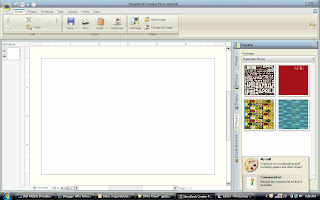
 These now appear on my paper tab under Package heading.
 This tutorial has shown you from the beginning screen how to include items in My Stuff. Once a project is open, My Stuff can be accesses from the organize icon located at the bottom of the Papers, and Embellishments tabs.
 I realize this could be explained more concisely, but there it is. I like visuals and if more is needed let me know. I hope this helped you, because it helps me to get back to posting. I find it invigorating.
g

